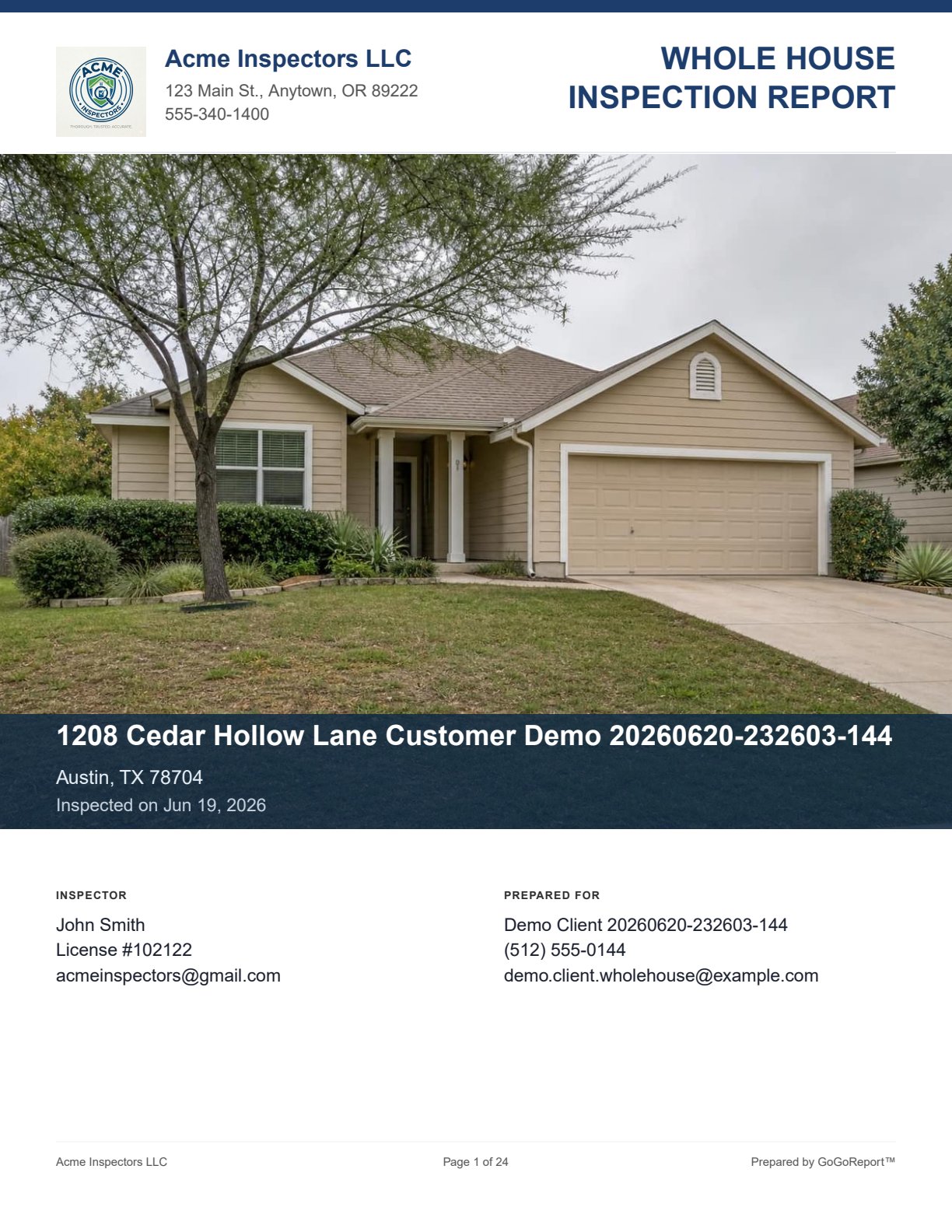
Sample view 1
Product proof from the Whole House Inspection example assets.
Capture property details, system observations, item photos, and notes in a familiar whole-house flow. GoGoReport drafts professional language only when you ask it to, then you review and export a stored PDF.
Use the screenshots and downloadable demonstration PDF to evaluate the report structure, photo evidence, and final presentation.
Product proof from the Whole House Inspection example assets.
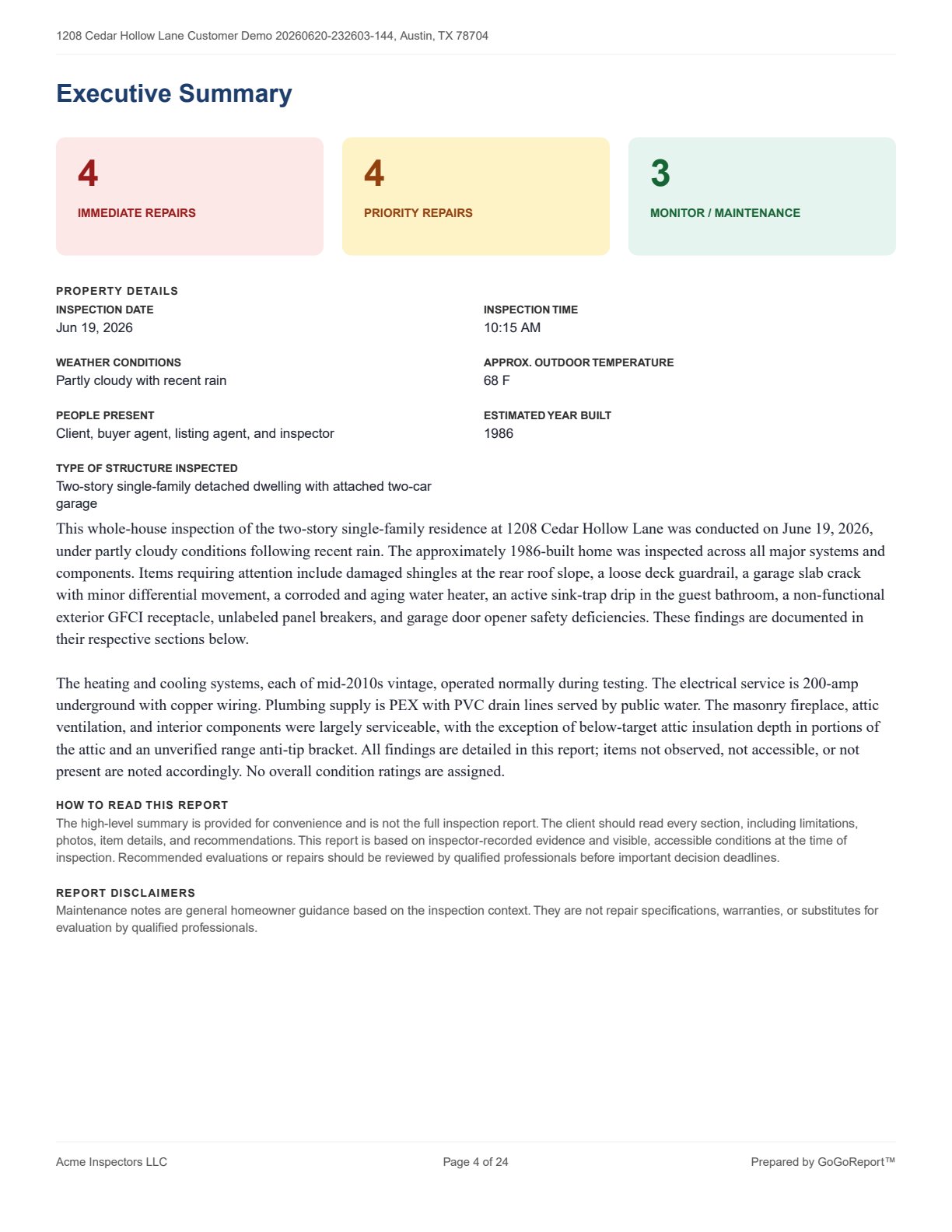
Product proof from the Whole House Inspection example assets.
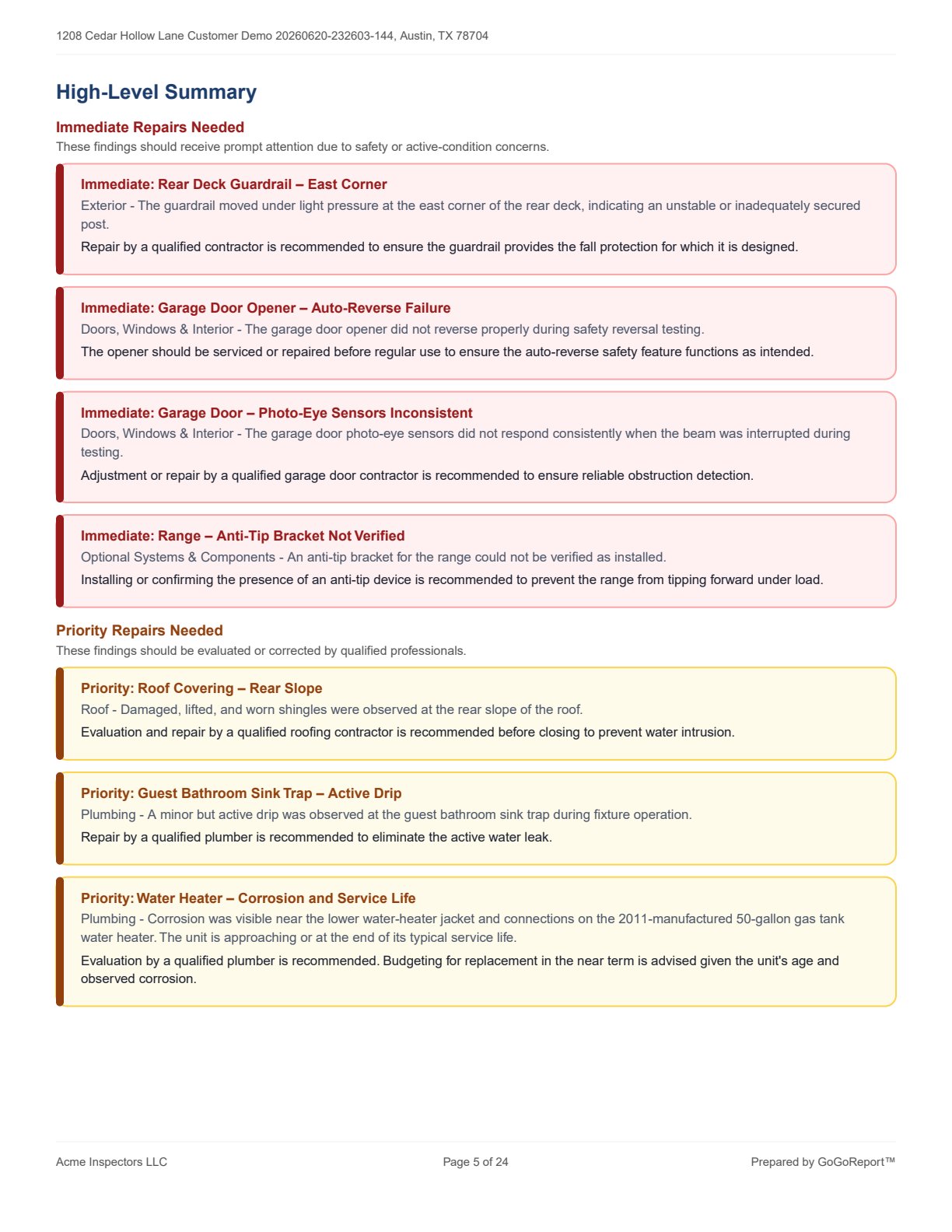
Product proof from the Whole House Inspection example assets.
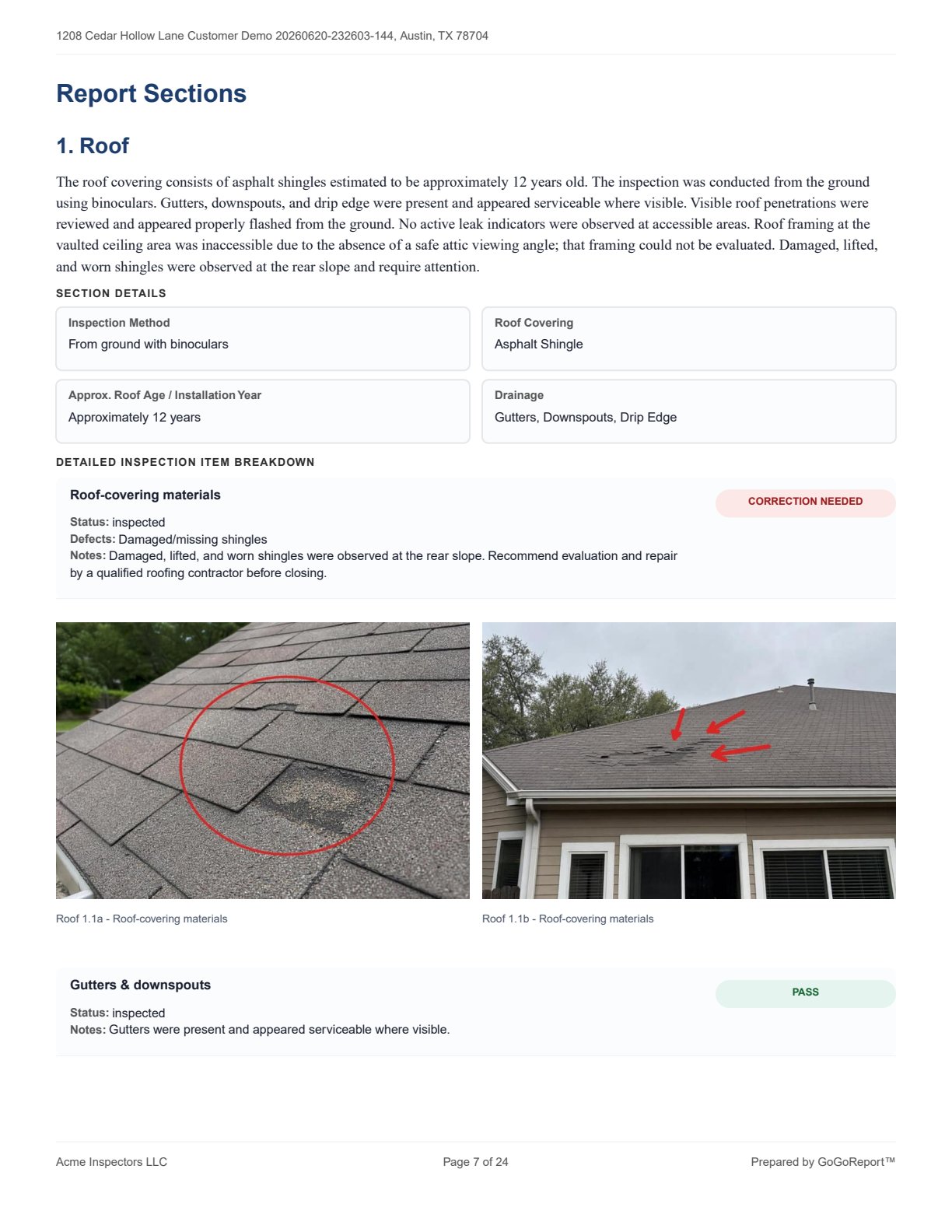
Product proof from the Whole House Inspection example assets.
Roof, exterior, structure, electrical, plumbing, HVAC, attic, interior, garage, and related home systems.
Item-level photos and findings grouped where they belong in the report.
Inspector-reviewed report language and stored PDF output after completion.
Built around InterNACHI-style residential inspection categories and GoGoReport V3 whole-house SOP coverage fields. The inspector remains responsible for inspection scope, observations, licensing requirements, and final report approval.
Enter field notes, statuses, structured fields, and photos in the matching report module.
AI drafts professional language only after the inspector chooses to complete and write the report.
The inspector reviews the language, saves the report, and downloads a stored PDF snapshot.
No. The inspector documents the inspection, controls the findings, reviews the AI-drafted language, and approves the final report.
Yes. This page links to a demonstration Whole House Inspection PDF so inspectors can review the output before starting.
The inspector remains responsible for inspection scope, observations, licensing requirements, client communication, and final approval.