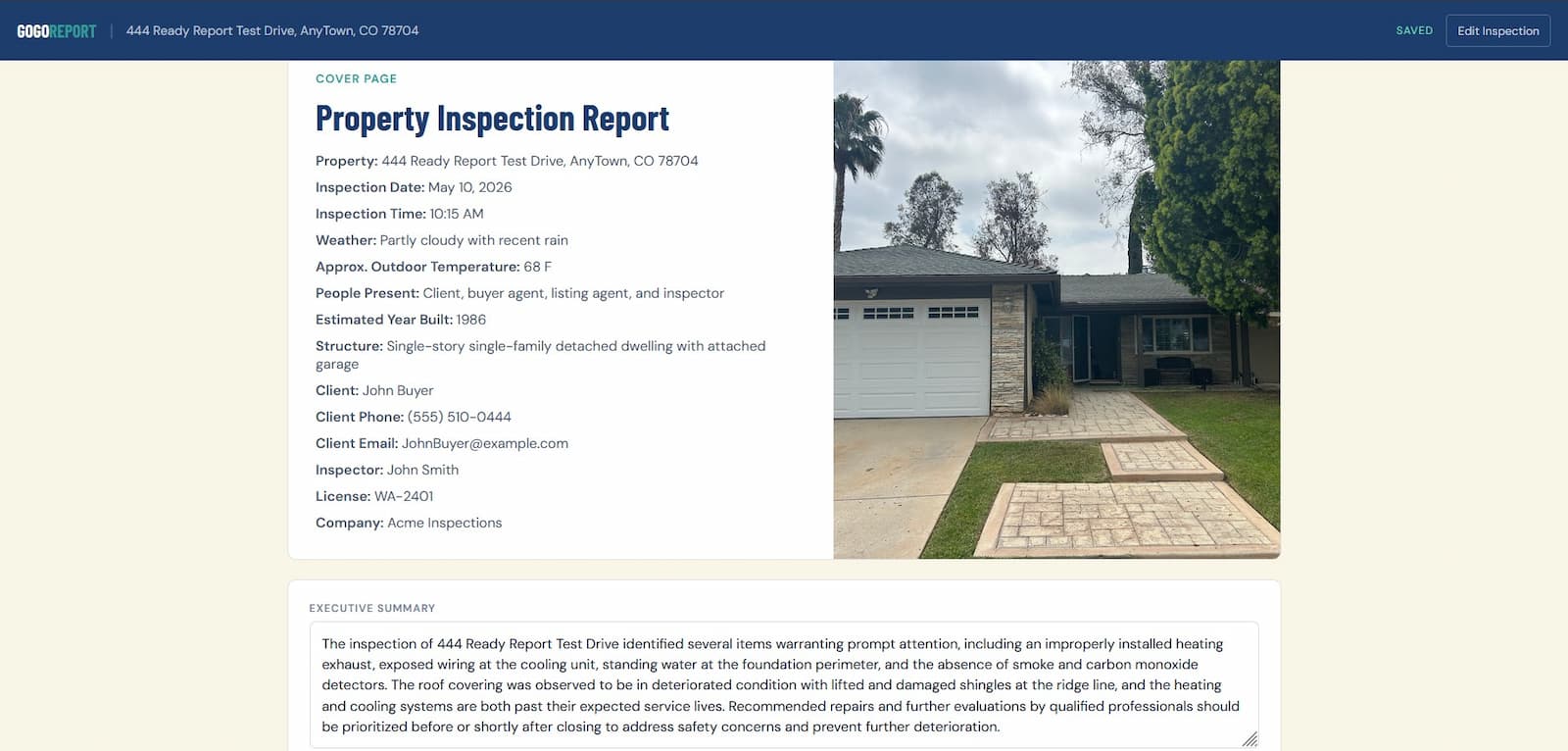
Clean branded cover
Property photo, inspection details, company information, inspector details, and client contacts are pulled into the final report cover.
Module-specific report sections, item photos, AI-assisted drafting, inspector review, stored PDF — here's what you're working with.
Start free — first report on usEach module owns its own sections, prompts, PDF title, and limitations, while reusing the same builder, review, billing, and stored PDF engine.
Standard property systems, SOP-style item capture, photos, AI review, and stored PDF output.
Form-first roof, electrical, plumbing, and HVAC reporting with section photos and stored PDF output.
TREC-aware item markings, deficiency comments, item photos, inspector review, and stored PDF output.
Visual and operational pool/spa sections for structure, equipment, water appearance, safety, and limitations.
Visual moisture assessment sections with optional inspector-entered lab result summaries and guarded report drafting.
Visual mitigation-system reporting without radon measurement or pCi/L result interpretation.
Future report types can follow the same module pattern without changing the core report engine.
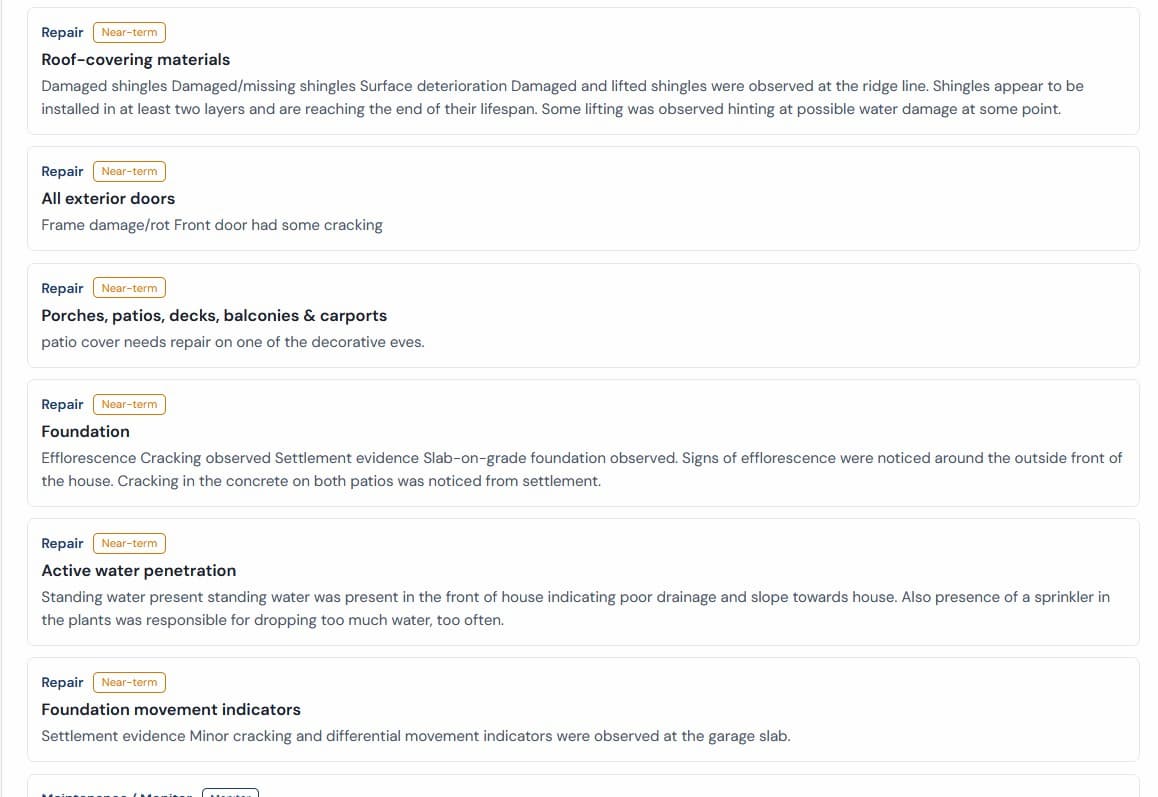
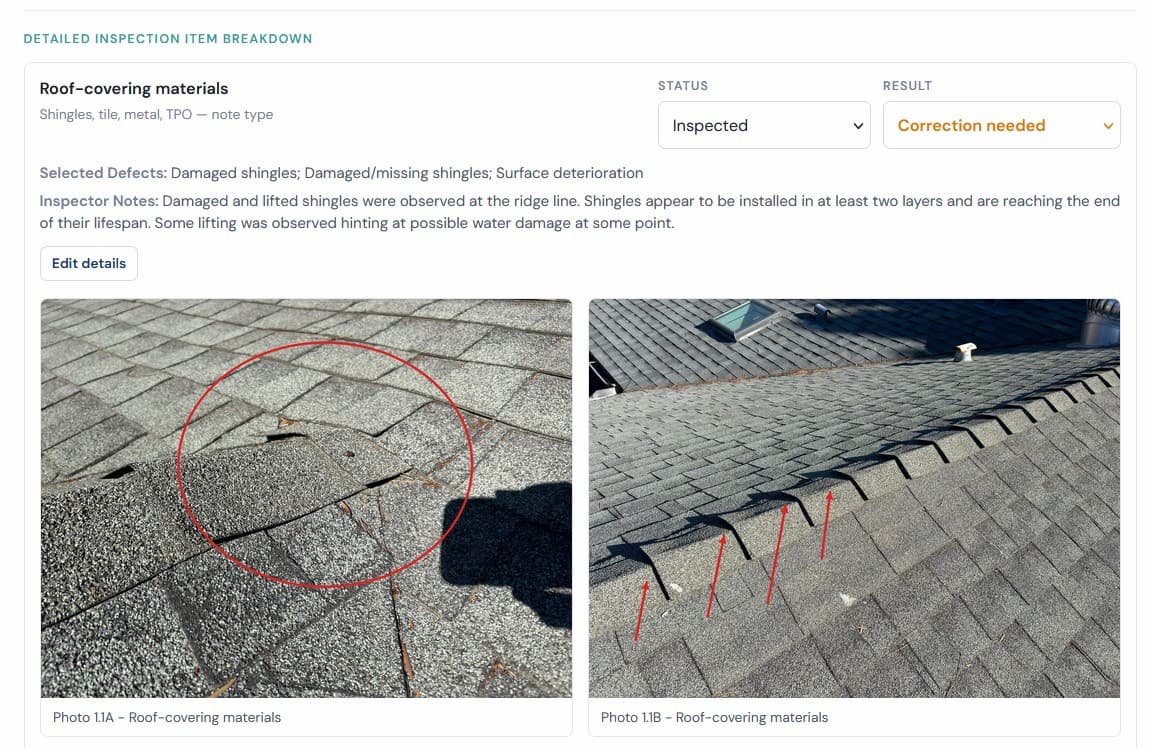
Real sample report pages show the cover, summary, and photo evidence layout that clients receive in the stored PDF.
From inspection to stored PDF — no extra steps, no detours.
First report is free. No credit card. No monthly subscription.